
TEAM — One Unified AI-Powered EdTech Ecosystem for Schools and Higher Education
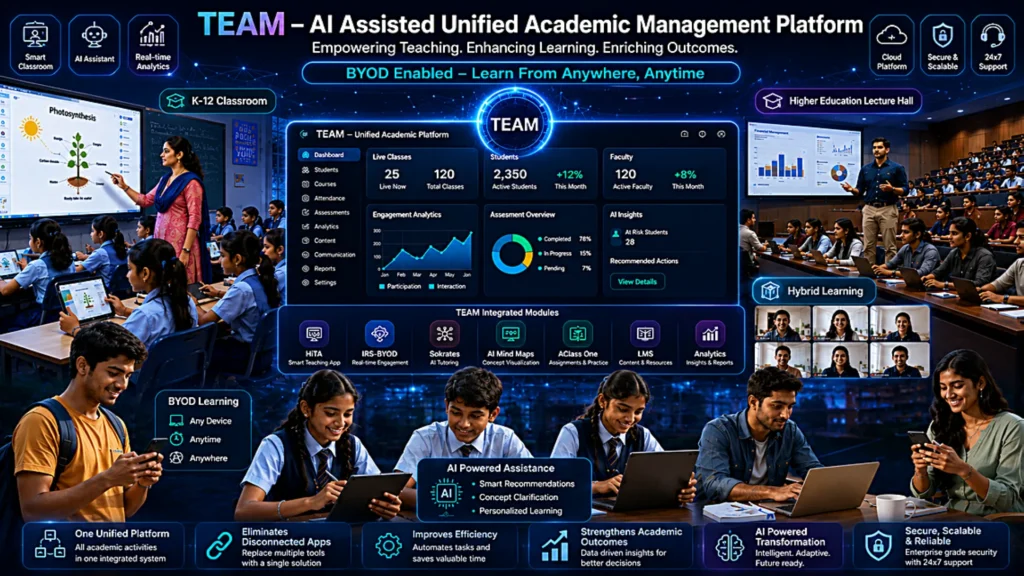
Streamline Teaching, Assessment, and Engagement with TEAM, be it Class Room or Lecture Hall
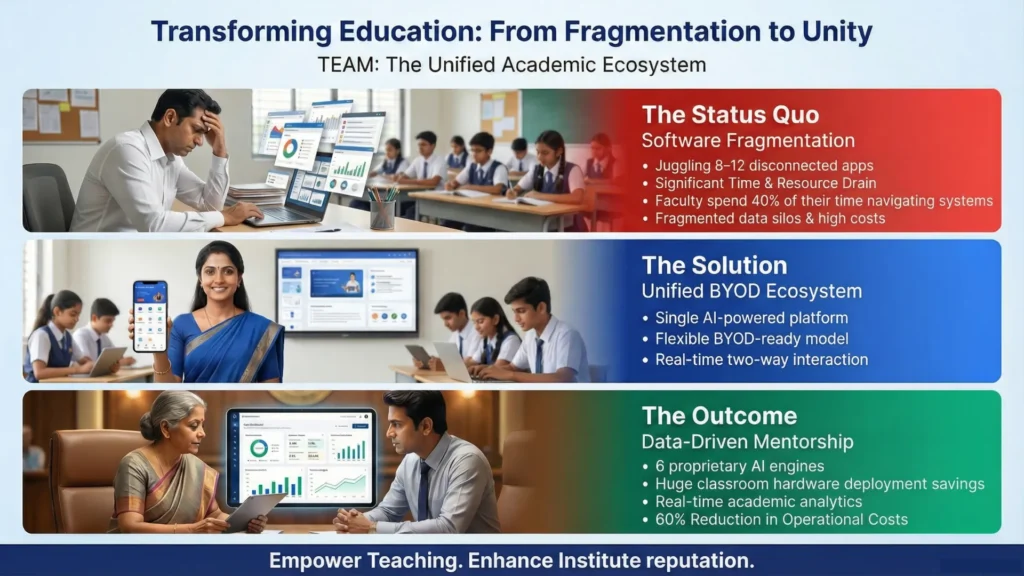
HiTA: The Educator’s Mobile Command Center
Break free from the podium. HiTA transforms a teacher’s personal smartphone into a powerful, all-in-one classroom remote control, enabling dynamic instruction and unprecedented mobility.
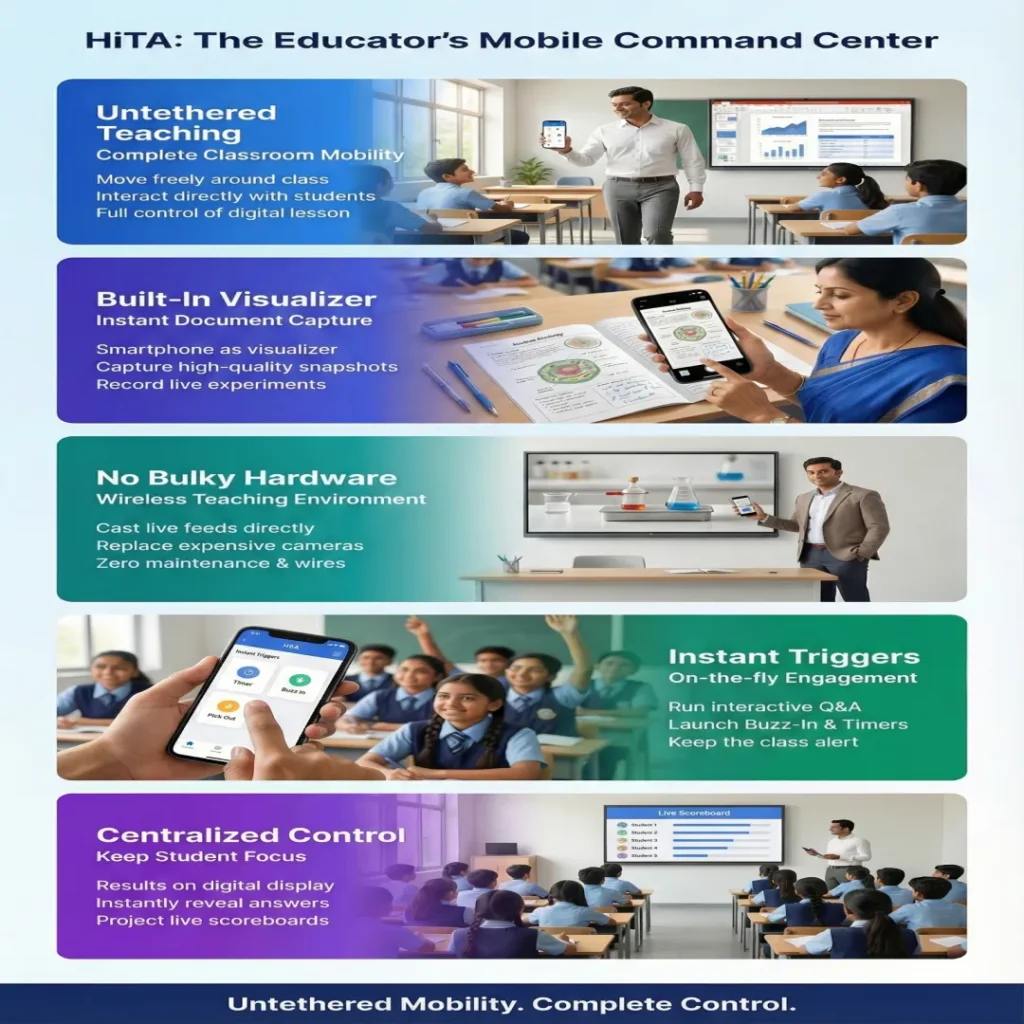
Interactive Response System (IRS)- Zero-Download & Bring Your Own Device (BYOD)
Transform passive listening into active participation. TEAM’s Interactive Response System breaks down traditional distance barriers, enabling real-time, two-way interaction without the burden of complex software installations or expensive hardware investments.
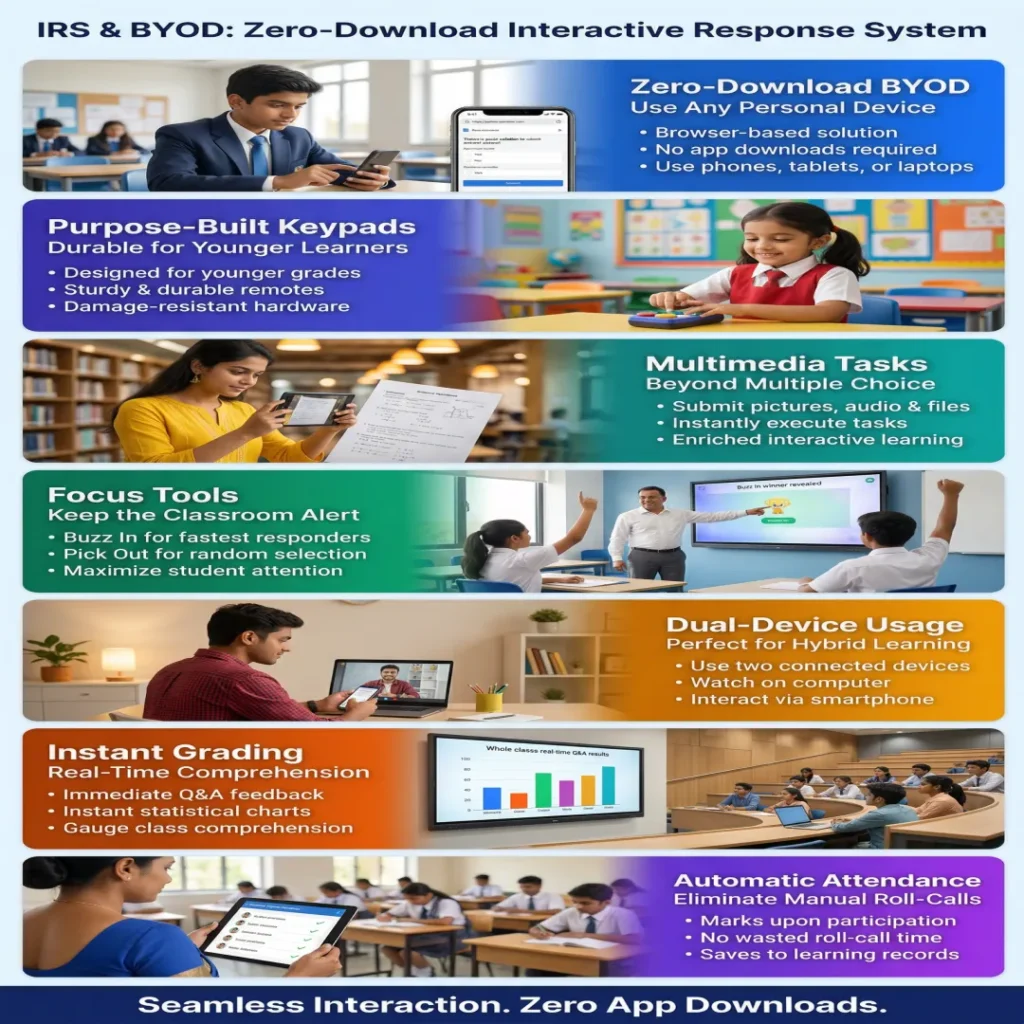
Diverse Teaching Methods: One Platform, Infinite Strategies
Eliminate the complexity of juggling multiple software sets. TEAM empowers educators to fluidly combine diverse instructional strategies, making it effortless to adapt to the unique needs of every classroom.
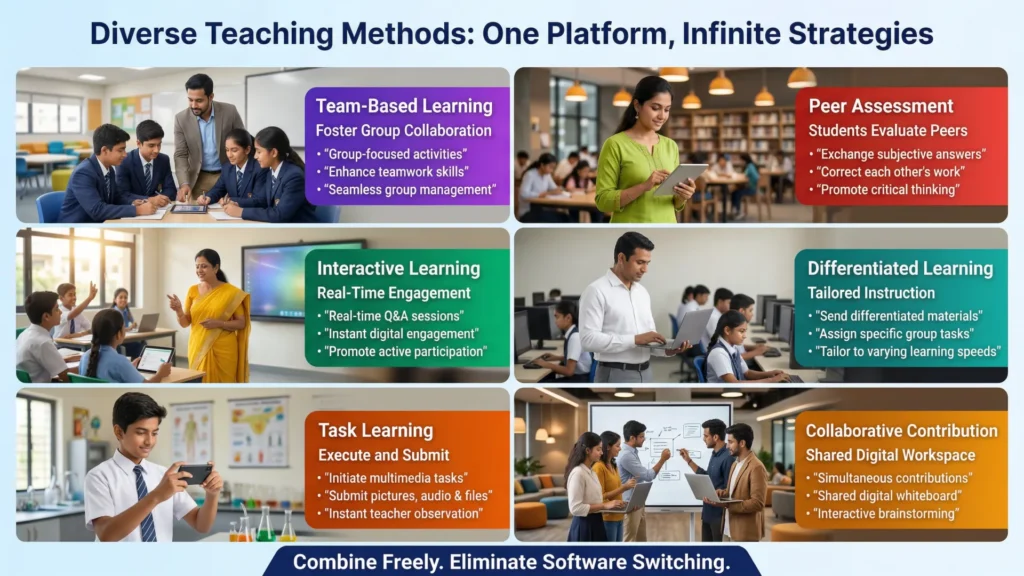
Instructional Expert System (IES) : The Cloud-Based Learning & Assessment Repository (LMS)
Eliminate the need for disconnected, standalone learning management systems. IES provides a secure, unified cloud architecture that seamlessly connects your curriculum preparation directly to your real-time classroom delivery.
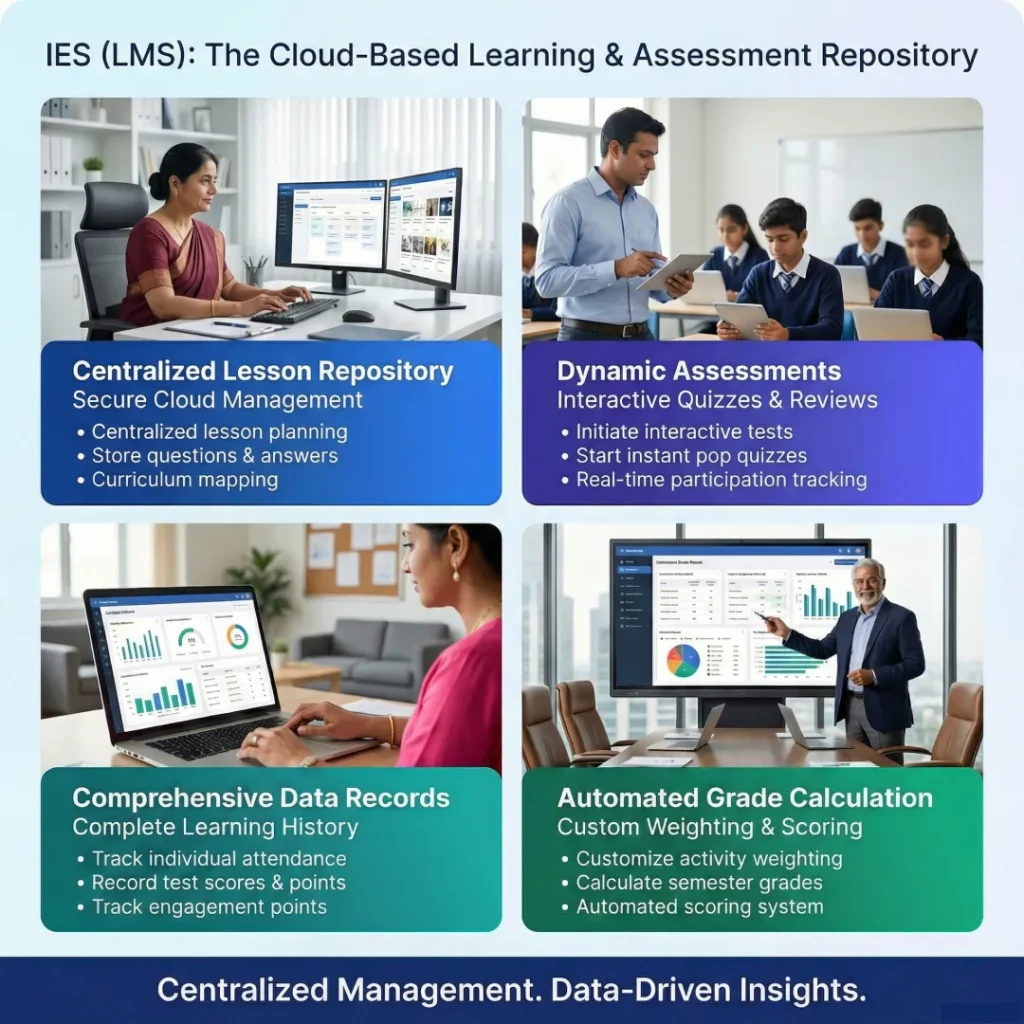
AClassOne: The Cloud-Based Student Companion
Bridge the gap between active in-lecture instruction and post-lecture review. AClassOne is a dedicated cloud-based student portal that seamlessly extends the educational experience far beyond the physical or virtual classroom walls.
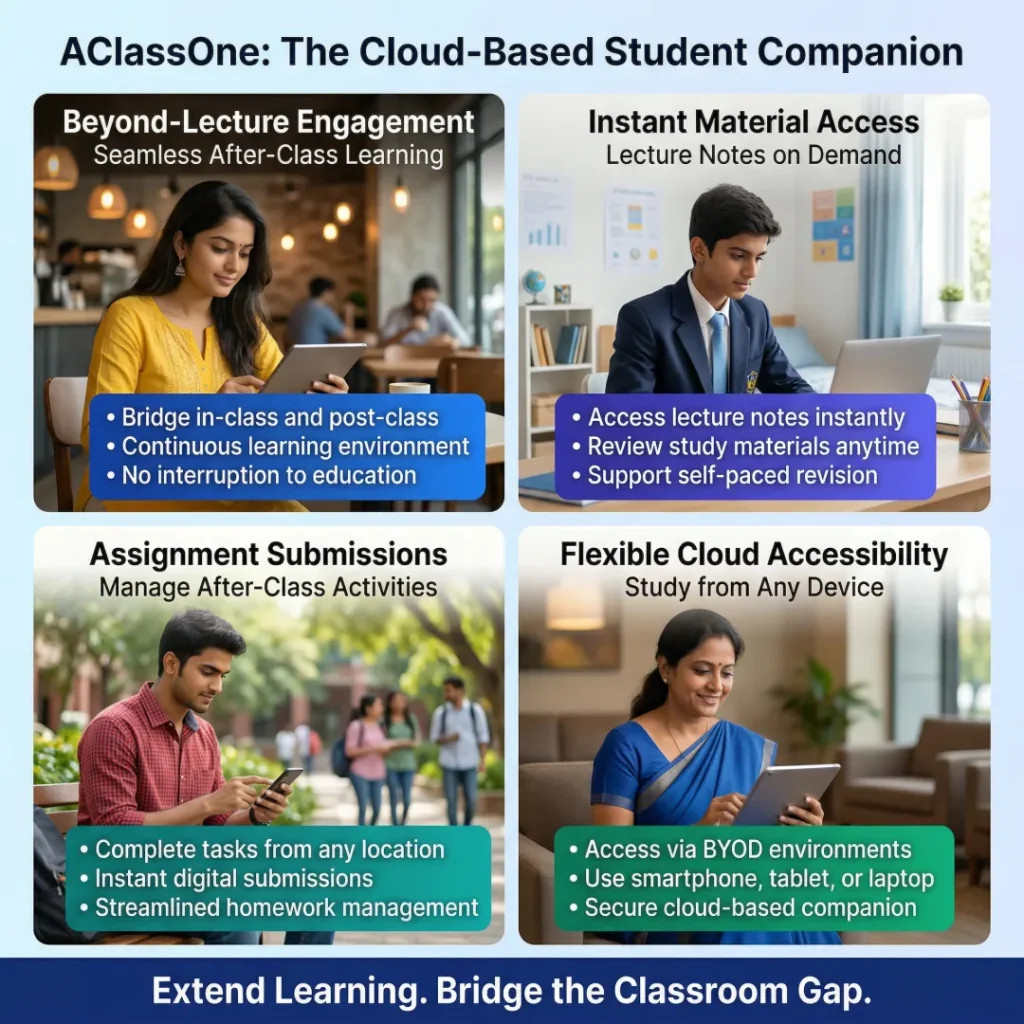
Mind Maps: AI-Powered Knowledge Structuring
Transform complex educational concepts into highly visual, easy-to-digest learning paths. TEAM’s AI-powered mind mapping tools breathe life into classroom brainstorming and simplify the delivery of intricate institutional content.
TEAM AI Flow: The End of Copy-and-Paste Grading
Generative AI is a powerful tool for educators, while traditional applications create a tedious, manual workflow. TEAM completely automates this process, replacing administrative burnout with instant, intelligent assessment.
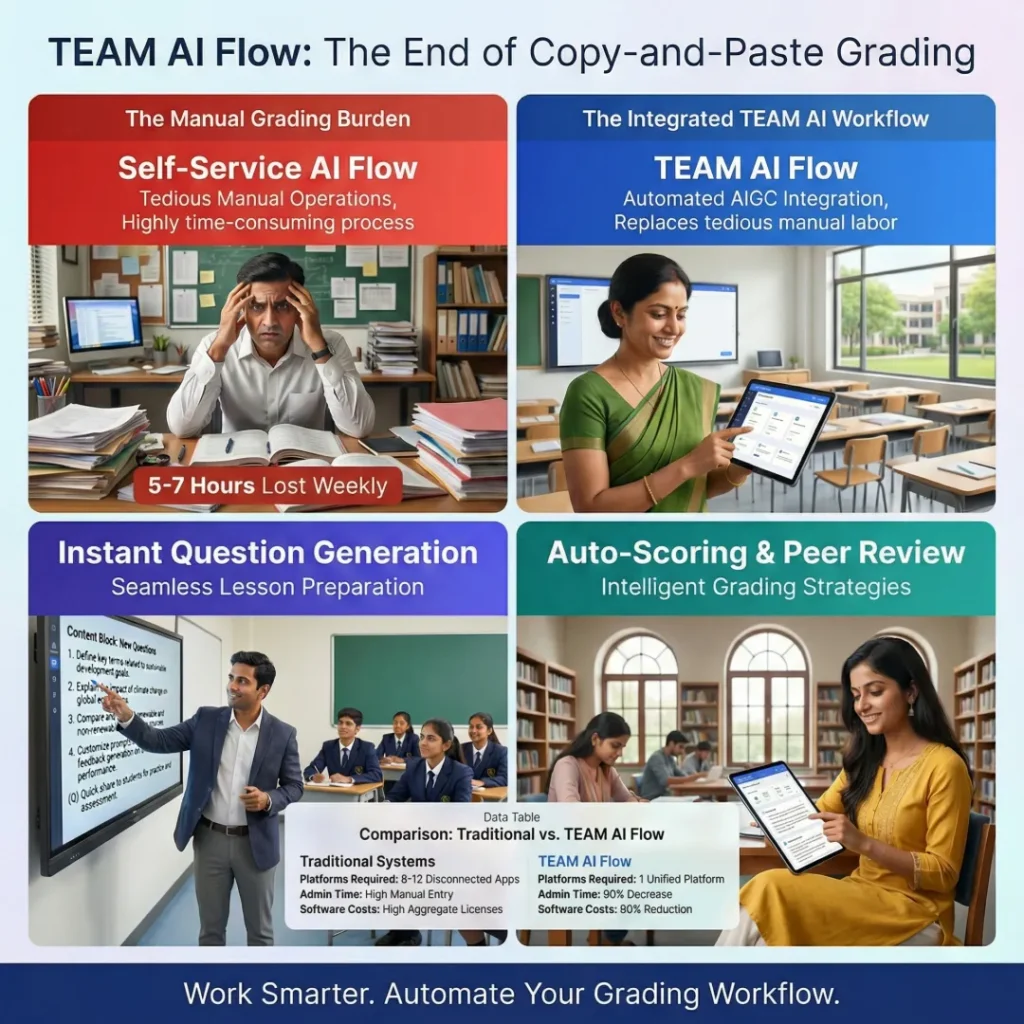
| Feature | Self-Service AI Flow (Copy/Paste) | TEAM AI Flow (Automatically Integrates AIGC) |
| Operational Method | Teachers must manually copy student work to a general AI service (like Chat GPT or Gemini), and then copy the AI’s response back to their score sheet. | Automatically collects real-time “live” student feedback data and sends it directly to the generative AI service. |
| Prompt Commands | Relies entirely on general dialogue methods and manual prompting by the teacher. | Features built-in prompt command templates and allows for customizable, self-defined prompts for repeated course needs. |
| Score Organization | Requires a tedious, repetitive operation process to complete and record scores and comments for every single student. | AI ratings and comments are automatically organized directly into the score sheet, bypassing manual entry. |
| Impact on Teacher’s Time | The continuous self-service operation keeps the teacher very busy with administrative tasks. | The system completely replaces manual labor, vastly improving practical application efficiency and saving valuable time. |
Comprehensive AI Tools: Intelligence in Every Interaction
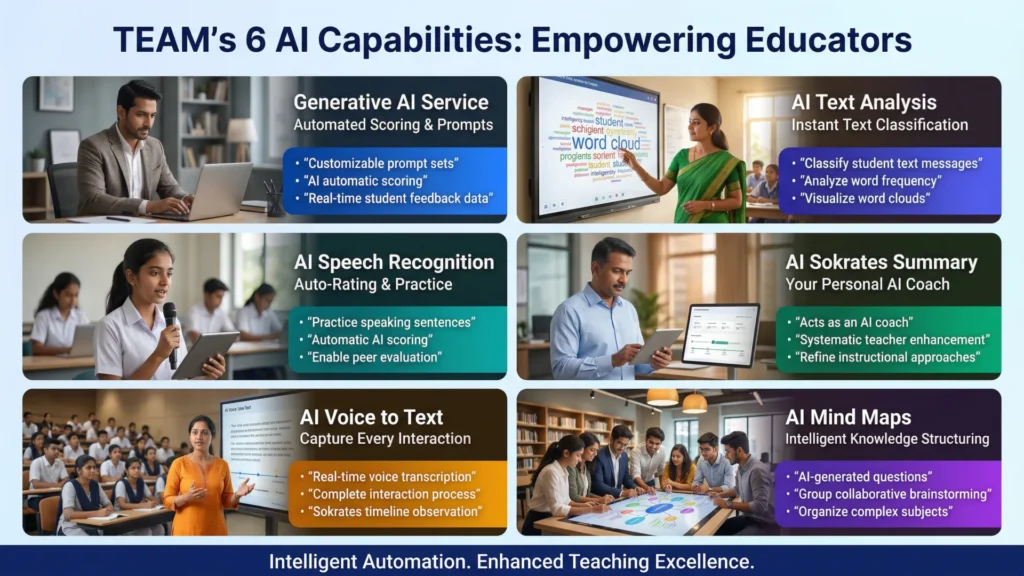
TEAM doesn’t just add artificial intelligence as an afterthought; it weaves six distinct, proprietary AI capabilities directly into the instructional workflow. These tools instantly analyze, document, and score student inputs, turning raw classroom participation into actionable insights.
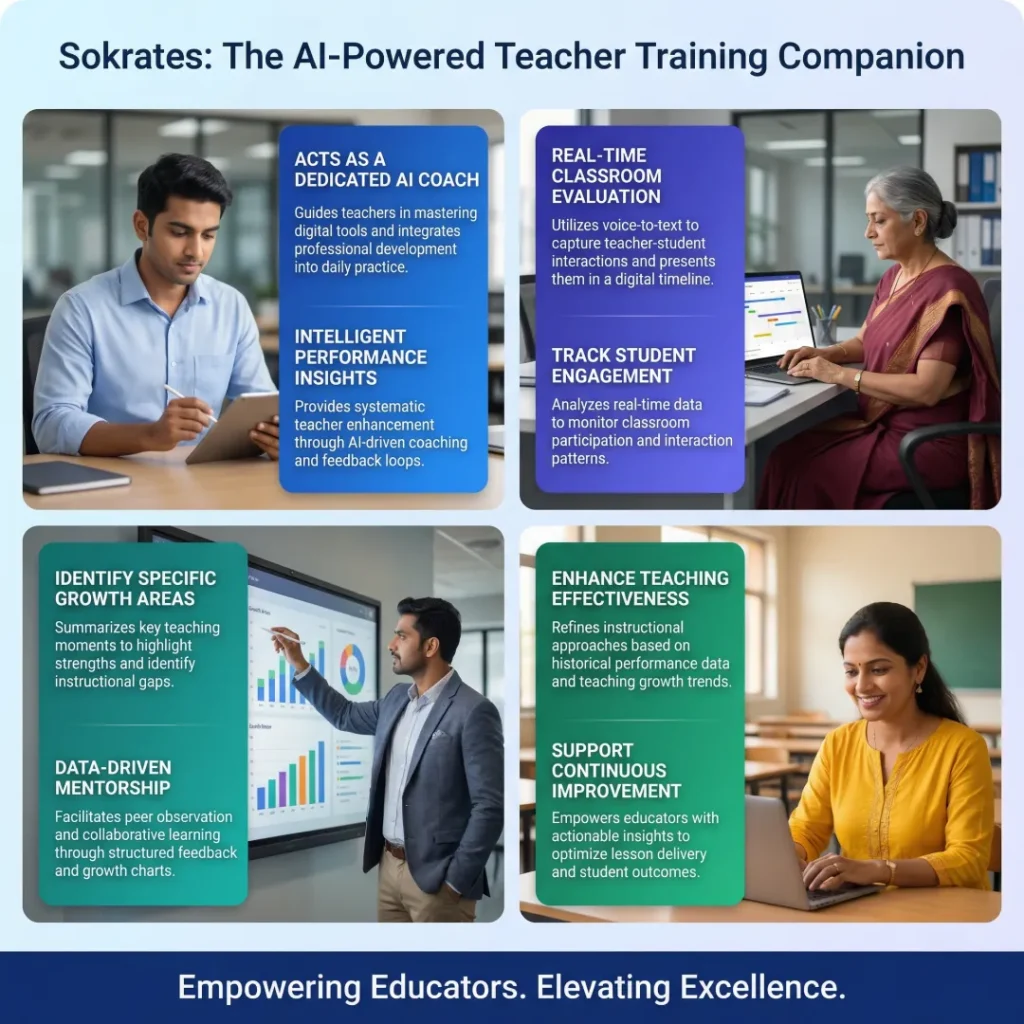
Sokrates: The AI-Powered Teacher Training Companion
Empowering students starts with empowering educators. Sokrates is not an evaluation tool; it is a dedicated, built-in AI coach designed to help teachers reflect, refine, and continuously enhance their instructional approaches.
The TEAM Advantage: A Head-to-Head Comparison
Why piece together a disconnected tech stack when you can have it all in one place? See how TEAM’s unified architecture outperforms other teaching software (like Jamboard, Kahoot, Quizizz, Moodle, and Google Classroom) across every critical academic function.
| Feature | TEAM (The Unified AI Ecosystem) | Other Teaching Software |
| Completeness of Teaching Functions | A One-stop solution. Complete functions including interactive whiteboard, test mode, collaboration, and local or cloud storage of lesson data. | Functions need to be pieced together to meet teacher needs; some lack whiteboards or testing, and some are solely cloud-based. |
| Teaching Materials & Lesson Prep | Any digital or physical teaching materials can be used together immediately. | Need to prepare in a special format or import PowerPoint presentations in advance. |
| PowerPoint Support | Set interaction/questions on PowerPoint directly and activate automatically. Moveable objects and animations from PowerPoint can be seamlessly imported | PowerPoint question preparation and importation are not supported, or can only be presented in an image format. |
| Real-Time Pop Quizzes | Start real pop quizzes completely on the fly, without presetting. | Most question stems and options need to be set in advance before using. |
| Immediate Tasks & Assignments | Can initiate picture, audio, or file-based tasks for students to instantly execute, submit, and observe immediately. | Most lack this function or are entirely insufficient |
| Data Decision-Making | Can view Q&A statistic charts, do Pick-outs, add points, or make advanced decisions (like differentiated teaching materials, re-answering, and answer result comparisons). | Can only view simple charts after questions are completed |
| Assessment / Test / Quiz | Initiate tests and interactive reviews based on data. Uniquely supports students to exchange and correct each other’s answers for subjective questions. | Either no specialized test mode at all, or unable to review based on result data. |
| Group Differentiated Teaching | Can send differentiated teaching material to specific students and do differentiated collaboration for assigned groups. | Most lack differentiated teaching functions. |
| Comprehensive Data Records | Includes attendance, points, test scores, question details, submitted students’ work, and individual student learning history. | Only offers simple class charts and records. |
| Score Calculation | Customize weighting for different items or activities and automatically calculate all semester grades. | No such function exists. |
| Post-Lecture Student Review | Students can review course material and specifically practice incorrectly answered questions. | No such function, or no ability to practice incorrectly answered questions. |
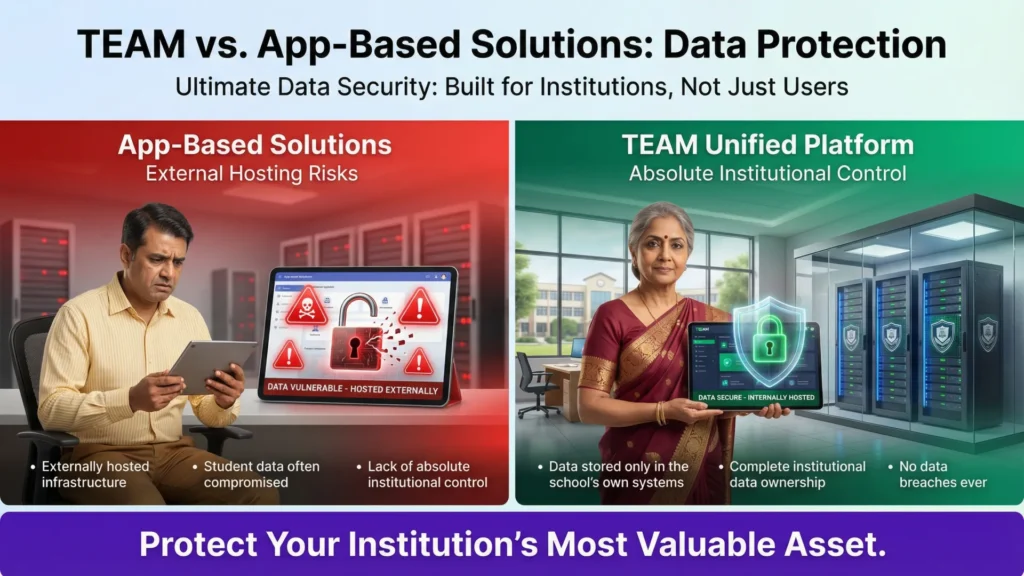
Uncompromising Data Security
Protecting academic and student data is paramount. TEAM provides absolute peace of mind by completely eliminating the vulnerabilities associated with third-party applications.
Ready to Transform Your Classrooms?
Eliminate software fragmentation, recapture instructional time, and drive massive cost savings today.
Frequently Asked Questions (FAQ):
TEAM provides robust Interactive Whiteboard Tools designed to enrich lecturing and effectively focus student attention. Educators can utilize dynamic features such as live annotation, symbol marking, and spotlighting or masking features to highlight key information during a lesson. Additionally, the whiteboard seamlessly integrates with a live camera and specific student interaction tools, ensuring highly efficient and engaging instructional delivery across both online and onsite learning environments.
TEAM’s Interactive Response System (IRS) includes specialized “Focus Tools” designed to maximize class attention. The “Pick Out” function allows teachers to randomly select a student to answer, while the “Buzz In” function enables the fastest student to respond first.
Yes. With the HiTA mobile app, teachers can leverage their smartphone’s built-in “live camera” functionality. Educators can take a snapshot or record a live video of a document, an experiment, or a student’s physical work, and instantly share it directly onto the interactive display board. This seamless integration entirely eliminates the need for schools to purchase and maintain separate, bulky classroom hardware like visualizers or document cameras.
TEAM’s Interactive Response System (IRS) provides instant grading and automated assessments the moment a student submits an answer. As students respond from their devices, the platform immediately evaluates the answer, delivers statistical results in real-time, and keeps a complete learning data record for the educator’s review after class.
To enrich the learning experience during real-time interactive tasks, teachers can effortlessly share and embed a wide variety of multimedia content, including text, images, audio files, videos, PowerPoint decks, and live web resources.
Through the Interactive Response System (IRS), students are not limited to simple text-based responses. To deeply enrich the learning experience during real-time interactive tasks, students can also actively participate by uploading images, audio clips, and other multimedia files directly from their personal devices.
AClass One serves as a cloud-based student companion that extends learning beyond the lecture hall. It bridges the gap between in-lecture and post-lecture engagement by giving students immediate, continuous access to study materials and seamless assignment submissions.
TEAM’s Generative AI Service allows teachers to design customizable prompt sets for repeated use tailored to specific class needs. It also automates the grading process by providing automatic scoring based on real-time student feedback data collected during the lecture.
When students submit written responses, the AI Text Analysis engine quickly classifies large amounts of text messages, analyzes word frequency, and generates visual word clouds to help teachers instantly gauge overall classroom comprehension.
Yes, the AI Speech Recognition engine allows students to practice speaking based on specific sentence content. The AI automatically scores their pronunciation and can also facilitate peer evaluation among the students.
The AI Sokrates Summary acts as a dedicated AI coach for faculty development. It provides lecture analysis, tracks student engagement, and summarizes the teaching process to help educators reflect on and continuously enhance their instructional approaches.
Working in tandem with the Sokrates observation timeline, the AI Voice to Text function transcribes spoken words to present a complete, captured record of the entire teacher-student interaction process throughout the lecture.
Unlike standard app-based solutions where student data is externally hosted and often compromised, TEAM guarantees absolute institutional control. All data is stored securely within your school’s own internal systems, ensuring no data breaches ever occur.